Written by ButterflyZ team
Gear covered: CDJs, Pioneer DJ CDJ-2000s, DJM-S9 mixer, Rekordbox, Serato, USB drives, ethernet cables, Lexicon, DJ Conversion Utility, USB hubs, Reloop laptop stand, Serato Club Kit
Halfway through the session, DJ O pulled the USB straight out of the deck mid-track. The music didn’t stop. The CDJ just kept looping the last 30 seconds, and the room never went silent.
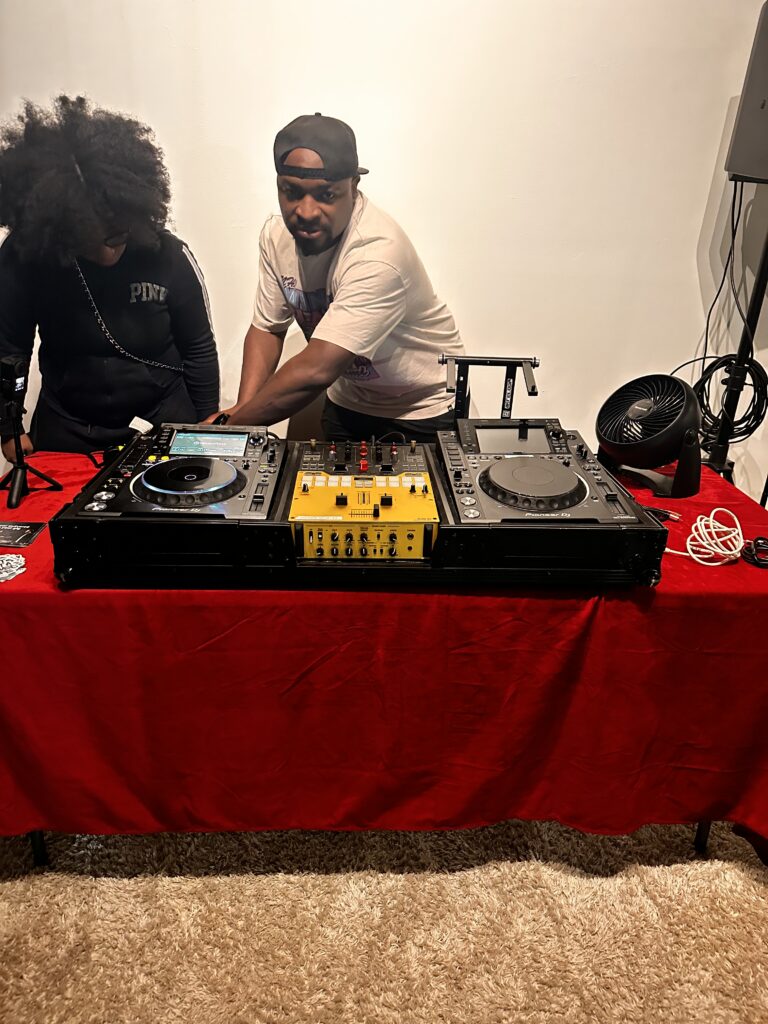
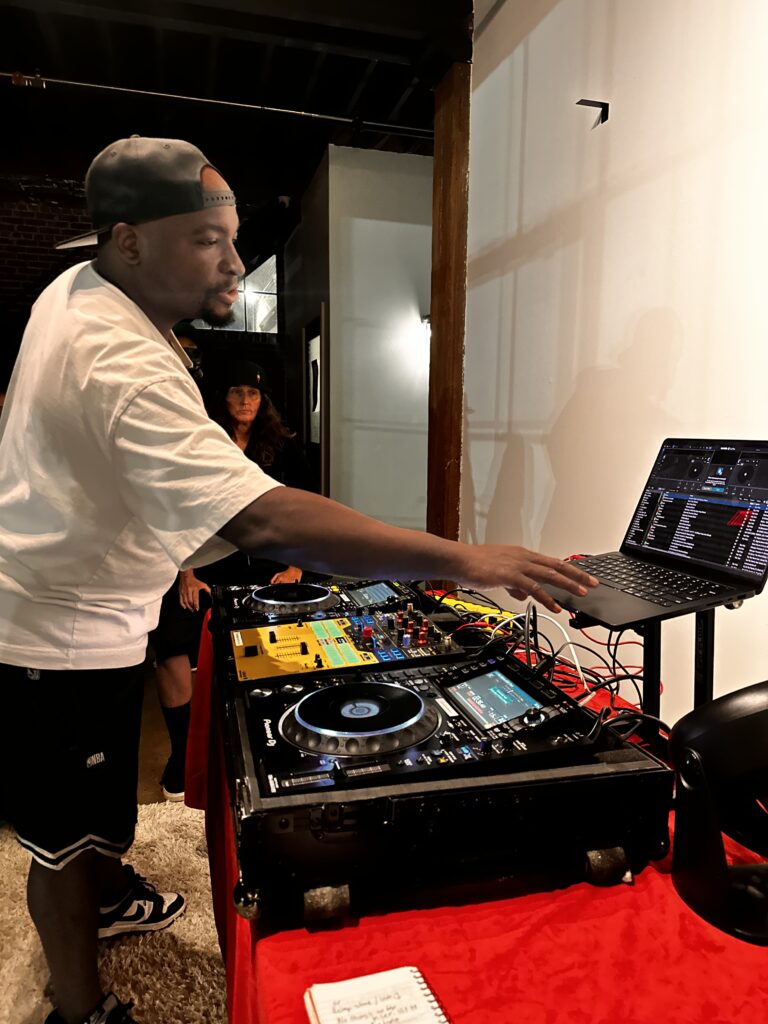
That’s the kind of thing you learn at Tech Day. The ButterflyZ Collective DJs headed to ScratchOutLoud at Koncept House in Atlanta for our first Monthly Tech Day, and this one was all about CDJ setup. From the moment the DJs walked in, the room felt warm and inviting, a safe space to learn. Most came in a little scared of the gear, but the atmosphere eased that fast. Since it was an intimate session, everyone got real hands-on time to get their feet wet. StageWing provided the setup: Pioneer CDJ-2000s and a DJM-S9 mixer.
Our instructor for the day was DJ O (@DJO414). He’s been playing on CDJ-2000s for a long time, knows the gear inside and out, and turned what felt intimidating into a walkthrough anyone could follow, quick fixes included. His message to the DJs: “CDJs are not your enemies.”
“CDJs are not your enemies.” – DJ O
Start with the right USB
DJ O kicked things off with what kind of USB to use: a 3.0 drive (look for the blue strip inside). Avoid old drives, because they’re slow to load. Then he walked us through wiping the drive so the CDJs can read it: Finder → Disk Utility → Erase → select FAT32. Heads up: formatting wipes everything, so back up your files first.
Rekordbox is free, and you’ll need it
Next, DJ O talked about rekordbox, which is free to download, and showed us how to export playlists from rekordbox to the USB. He said it more than once: start managing your library early, and you’ll save yourself a lot of pain later.
CDJ setup basics
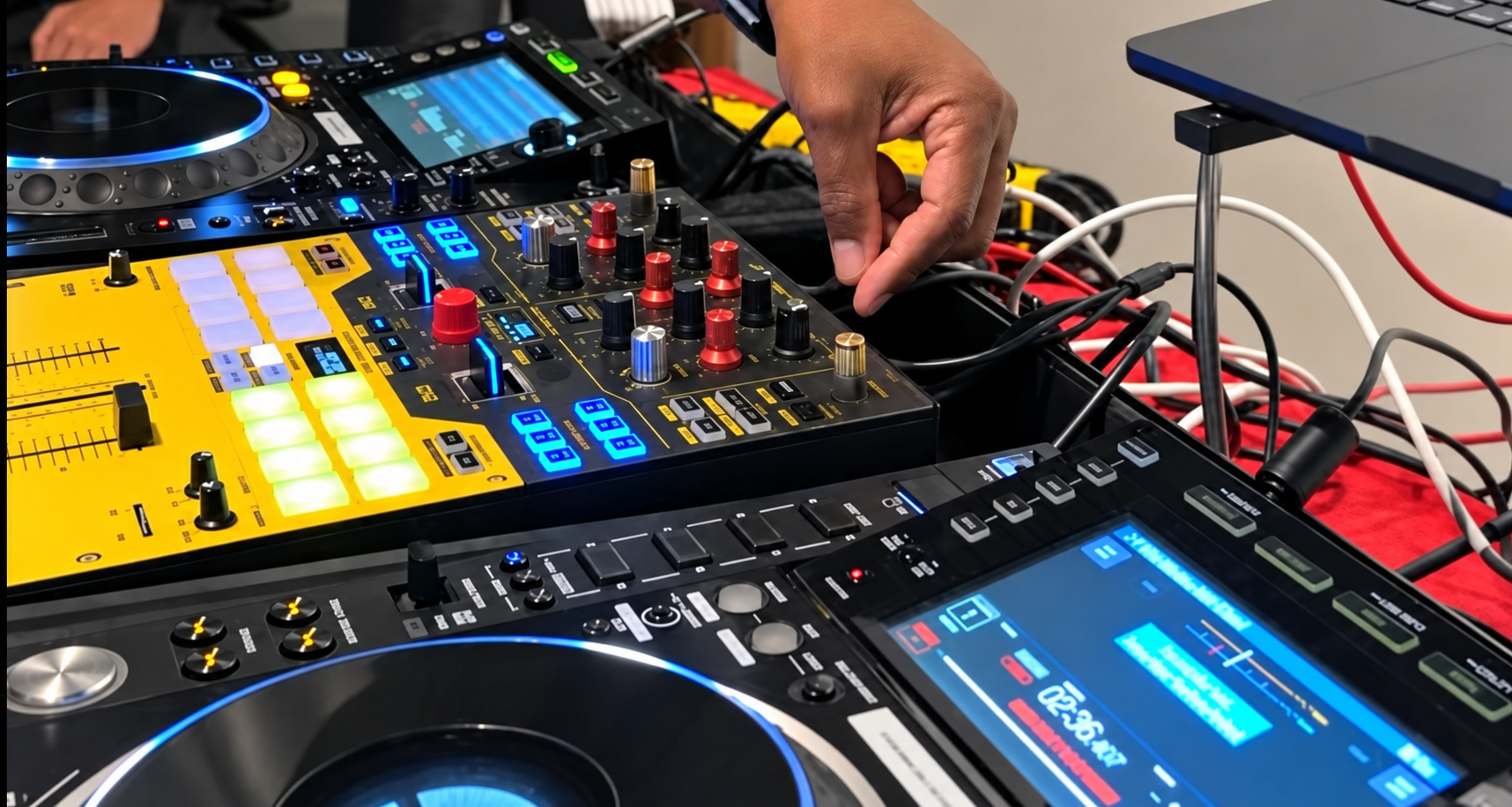
On the decks themselves, our instructor showed us the “map” of the player:
- Sorting by BPM or key: you can choose what the screen displays, and the newer 3000s even save those settings to your USB. This one’s easier to learn with the decks in front of you, so come through to the next Tech Day and we’ll walk you through it.
- 8 hot cues, split into two banks of 4.
- Loops on the fly: hit Loop In where you want the loop to start and Loop Out where you want it to end.
- Wiring: plug the CDJs into the mixer inputs labeled CD/Line, not Phono. Phono is built for turntables and boosts the signal way up, so a CDJ plugged in there will sound loud and distorted.
Eject the right way
Knowing how to properly eject a USB from the CDJ is VERY important. Pull it out the wrong way and you can corrupt the drive, leaving it unusable. The correct way is to hold USB Stop before you pull it.
That emergency loop from the top of this article is your safety net, not your plan. If you have to pull the drive or someone accidentally yanks it, the player keeps looping the last 30 seconds it read, which buys you time to load the other deck.
Serato DJs, don’t feel left out
You can use CDJs too. Connect your laptop to the CDJs in HID mode and the decks become a controller for Serato, with your library, cue points, and waveforms right on the CDJ screen. No extra sound card needed.
You’ll need Serato Club Kit, which now comes with Serato DJ Suite ($14.99/month or $499 one-time; check Serato’s site for current pricing).
Pack your CDJ bag
A CDJ bag and a checklist keep you organized and make sure you show up to your gig prepared. Download FREE checklist here
- 3 USBs
- USB hub, or a Reloop laptop stand with a built-in hub (about $129.99; prices may vary)
- 2 ethernet cables
- Headphones
Q&A
Controller vs. CDJ: Pioneer layouts are almost the same. New DJs mostly just freeze up, and you don’t have to use every feature.
The 5-minute pre-game: Before your set, watch the DJ ahead of you, check the knobs and jog wheel tension, and make some small talk.
Switching software: Lexicon (free tier) or DJ Conversion Utility (one-time fee of about $28).
What’s next
Tech Day Vol. 2 is coming soon. Follow us at @butterflyzcollective. Bring your questions, and come get hands-on.
Thank you
A big thank you to our partners at ScratchOutLoud and StageWing, to DJ O, DJ Chase and to DJ Sed The Saint.
Want in on more DJ education events like this? Join the ButterflyZ community. For hands-on DJ lessons and turntablism, check out ScratchOutLoud. For DJ gear rentals, check out StageWing.
Leave a Reply